Blog
Product Updates
What’s New in DialLink: Native Integrations for WhatsApp, HubSpot, Slack, and Business Contacts

What’s New in DialLink: Native Integrations for WhatsApp, HubSpot, Slack, and Business Contacts
Discover new integrations for WhatsApp, HubSpot, Slack, Google, and Microsoft 365.



In this article
- Stop juggling multiple messaging tools by bringing WhatsApp alongside your calls and SMS
- Respond faster with real-time Slack updates for calls and messages
- Keep HubSpot records up to date with call and message activity
- Centralize your business contacts by syncing Google Contacts
- Save time on manual contact entry by importing Microsoft 365 contacts
This month, we rolled out several integrations that connect DialLink more directly with the tools you already use. With these integrations, you can turn DialLink into a central hub for your communication channels, including calls, SMS, and WhatsApp, as well as your contacts from Google and Microsoft 365. You can also bring DialLink data into tools like Slack and HubSpot, so your team can review and act on it where they already work.
Let’s take a look at what’s new this month.
Stop juggling multiple messaging tools by bringing WhatsApp alongside your calls and SMS
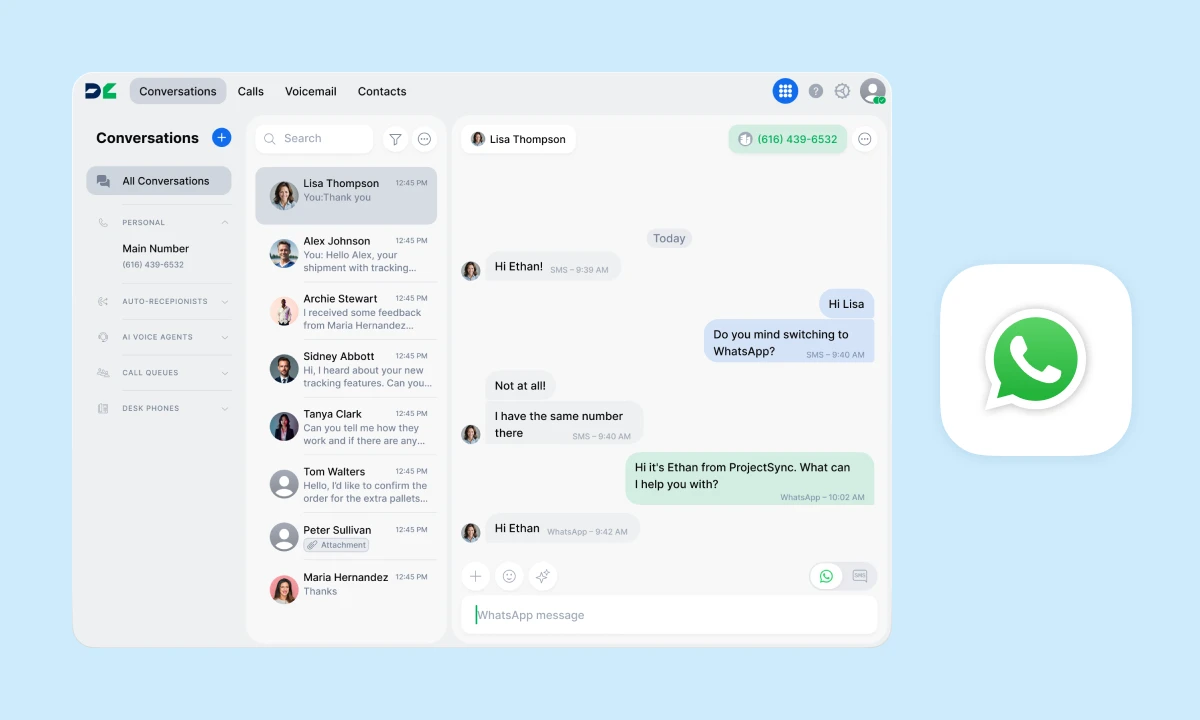
Using multiple channels like calls, SMS, and WhatsApp helps customers reach you more easily, but switching between apps can lead to missed or delayed responses.
With DialLink’s native WhatsApp for Business integration, you can connect your WhatsApp Business account to your DialLink number and manage all conversations from a single interface. Send and receive WhatsApp messages right where you already handle calls and SMS, keeping every interaction organized in one place for better visibility.
All WhatsApp conversations are automatically synced with the WhatsApp Business app, so everything stays up to date across both platforms.
Learn more about the WhatsApp native integration >
Respond faster with real-time Slack updates for calls and messages
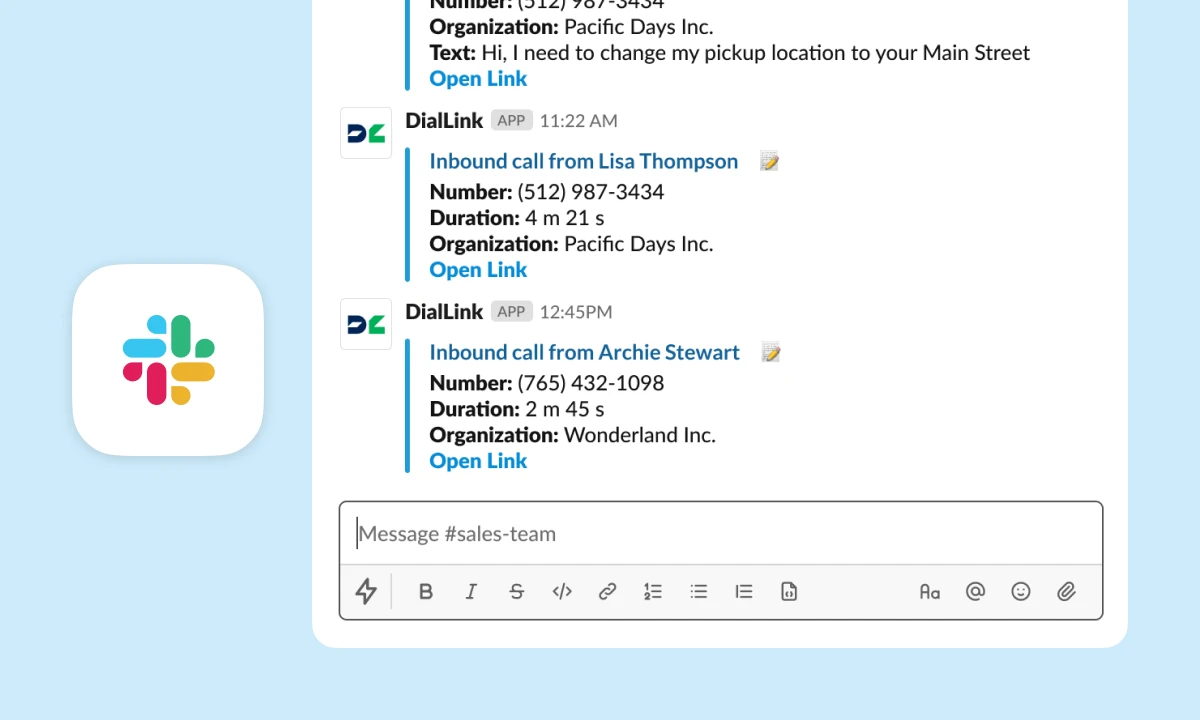
If your team uses Slack, DialLink fits right into the way you already work. Send detailed updates about calls and messages directly to Slack, so everyone can stay informed and respond faster.
Your team can review conversations, discuss them in threads, assign follow-ups, and share context, all without switching between tools.
Learn more about the Slack native integration >
Keep HubSpot records up to date with call and message activity
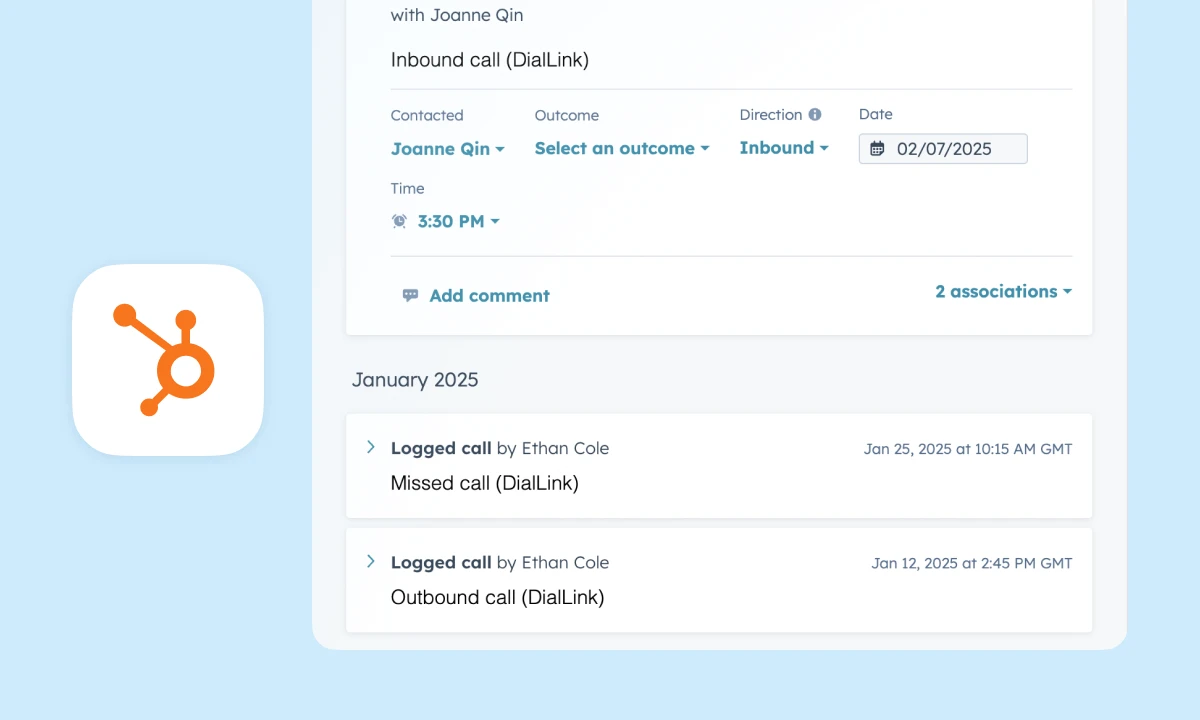
DialLink’s native HubSpot integration keeps your contact data consistent across both platforms, including names, phone numbers, email addresses, and job titles. When you call or message a HubSpot contact, their details automatically appear in DialLink, so there’s no need to create duplicate contacts.
Every interaction is logged directly to the contact record in HubSpot. This includes calls handled by your team or AI voice agents, along with call details and AI-generated transcripts. SMS messages are also automatically added, giving you a complete view of every customer interaction in one place.
Learn more about the HubSpot native integration >
Centralize your business contacts by syncing Google Contacts
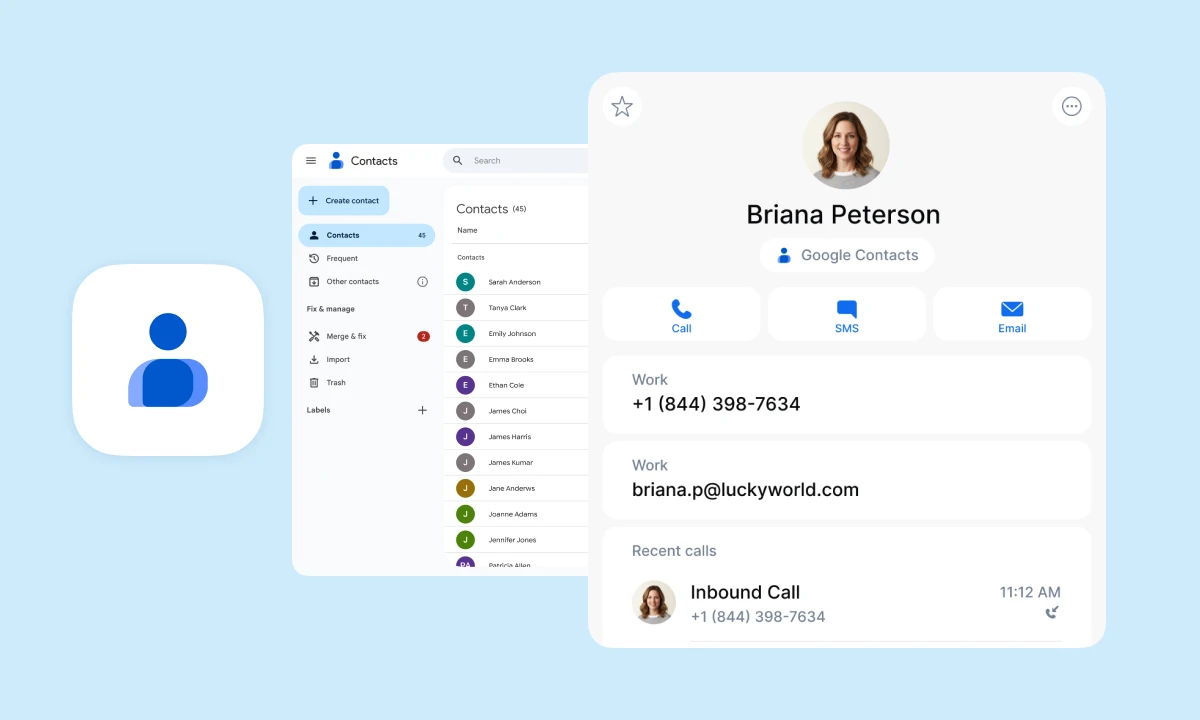
Keep all your business contacts in one place and eliminate manual data entry by syncing contacts from multiple Google accounts directly into DialLink. With this native integration, contact details such as names, profile photos, email addresses, and phone numbers are automatically kept up to date.
Synced contacts are organized in a dedicated tab, making them easy to find and access quickly.
Learn more about the Google Contacts native integration >
Save time on manual contact entry by importing Microsoft 365 contacts
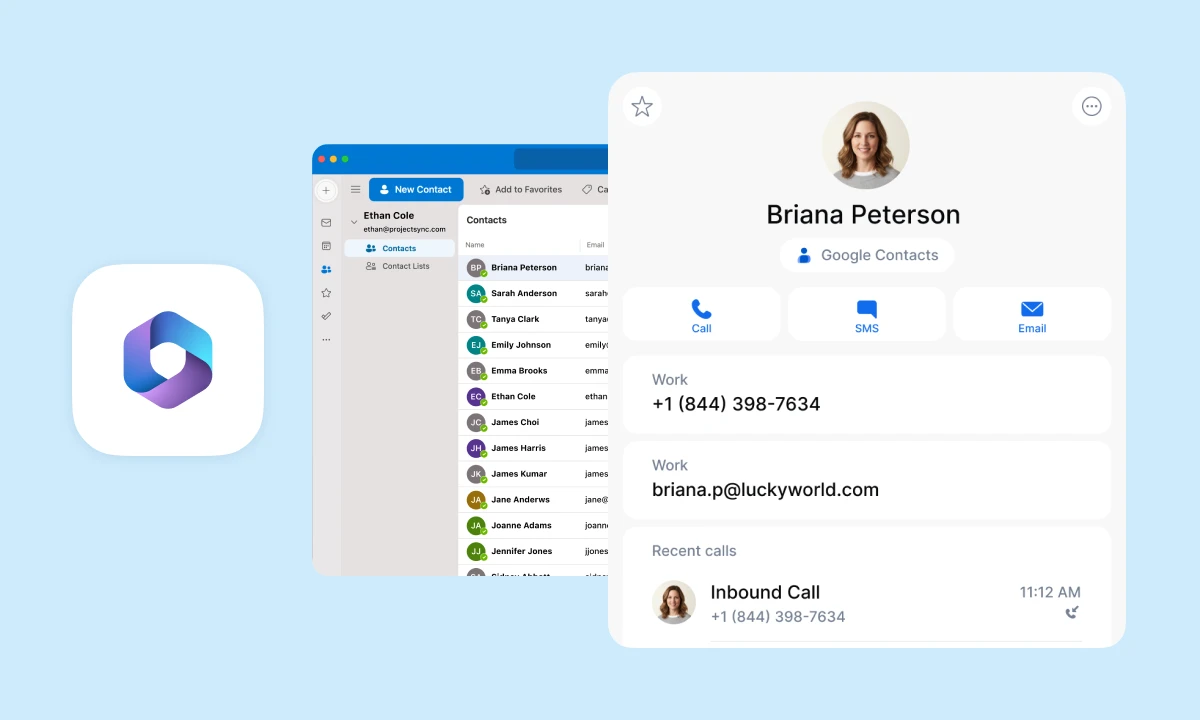
If you store your business contacts in Microsoft 365, there’s no need to recreate them in DialLink. With the native integration, you can import all your contacts directly into DialLink and start calling or messaging them right away.
Imported contacts are organized in a dedicated tab, making them easy to find and access quickly.
Learn more about the Microsoft 365 Contacts native integration >
Stay tuned, more updates are on the way!
Ready to see the latest updates in action? Try DialLink free for 7 days.
Share


Arina Khoziainova
Content Writer at DialLink
Arina is a content writer with over 7 years of experience in the IT industry. At DialLink, she creates clear, insightful content that helps small business and startup owners simplify communication and drive growth using modern tools. With a strong focus on practical value, Arina transforms complex topics into accessible, actionable stories.

Keep Reading

What's New in DialLink: AI Messaging Agents, Smarter AI Customization and More
See what's new in DialLink this month: AI messaging agents for SMS and WhatsApp, more control over AI agent settings, improved Salesforce integration and more.
September 22, 2026
5 minutes

What’s New in DialLink: AI Voice Agents and Native Integrations
Explore the latest updates in DialLink: New integrations for AI voice agents and business phone system.
August 06, 2025
3 minutes

What's New in DialLink: Quick Actions and Desk Phone Contact Sync
See what's new in DialLink: right-click quick actions and contacts synced from your CRM and contact tools to your desk phone.
July 15, 2026
2 minutes

What’s New in DialLink: Internal Messaging, One Unified Thread and More
Explore what’s new in DialLink: internal messaging, one unified thread, and more.
October 08, 2025
2 minutes

What’s New in DialLink: AI Call Tagging, Call Transfers and Knowledge Bases for AI Voice Agents
Explore what’s new in DialLink: AI call tagging, call transfers and knowledge bases for AI voice agents and more.
July 03, 2025
2 minutes

What is Business Text Messaging?
Discover what business text messaging is, the channels available, and how companies use it to connect with customers more effectively.
November 07, 2025
14 minutes

How DialLink Leverages MCP to Streamline AI Integrations
Discover how DialLink leverages MCP to connect AI agents with AI models and business tools, enabling them to solve real business challenges.
October 07, 2025
14 minutes

What are Cloud Communications for Small Businesses?
Discover what cloud communications are, the channels they include, the different types of platforms available, and their key benefits for businesses.
September 17, 2025
10 minutes