Blog
Product Updates
What’s New in DialLink: AI Voice Agents and Native Integrations

What’s New in DialLink: AI Voice Agents and Native Integrations
Explore the latest updates in DialLink: New integrations for AI voice agents and business phone system.



In our July release, we’ve made major improvements to DialLink’s AI voice agents, making them a central part of your business operations. These updates enable agents to seamlessly integrate with your business tools and transfer calls with full context. Additionally, we've expanded the platform's capabilities with native integrations, giving you greater flexibility and efficiency in managing your workflows.
Here’s what’s new:
Streamline your operations by integrating AI voice agents with your business tools
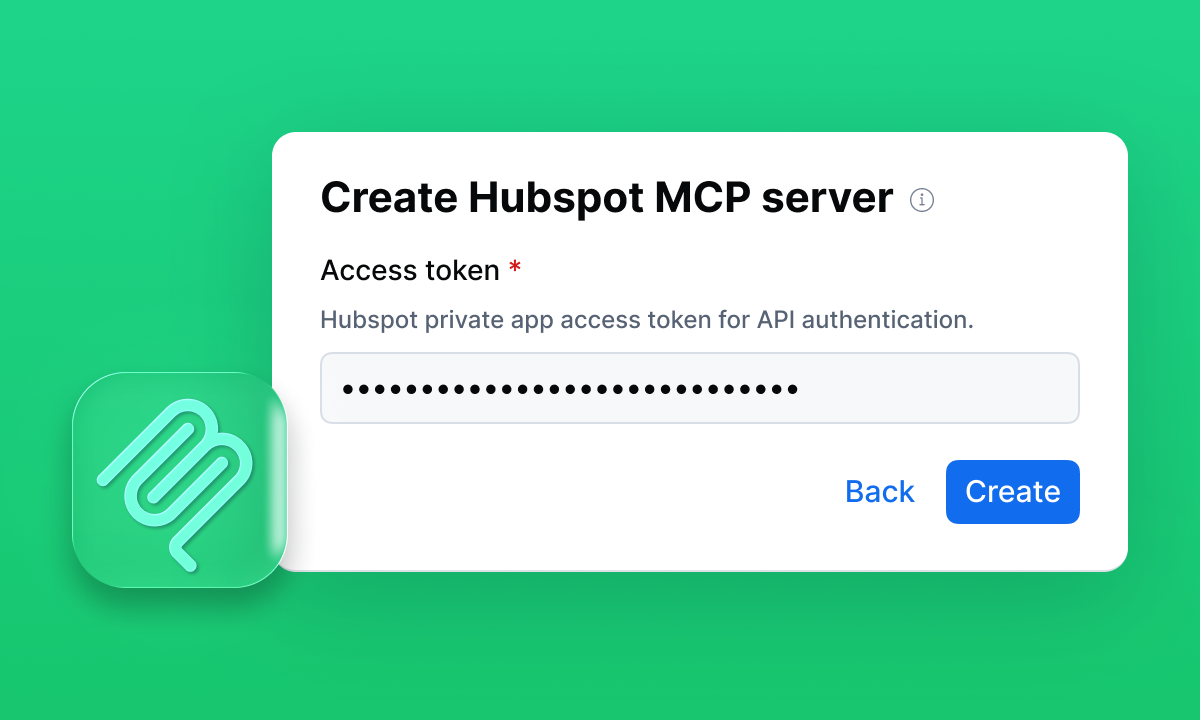
DialLink’s AI voice agents can now integrate with your favorite tools through the new MCP (Model Context Protocol). With MCP, AI agents can not only access and update data but also take action, helping automate routine tasks and save time.
With this integration, AI voice agents become a direct part of your business workflows, not just call handlers.
Common use cases:
- Scheduling: Connect to Cal.com to book or reschedule appointments during calls
- Customer service: Pull contact details and conversation history from Intercom to resolve inquiries faster
- Lead capture: Sync with HubSpot to create and update records, retrieve data, and log call notes automatically
Learn more about AI Agent Integration >
Ensure a frustration-free call transfer from AI voice agents
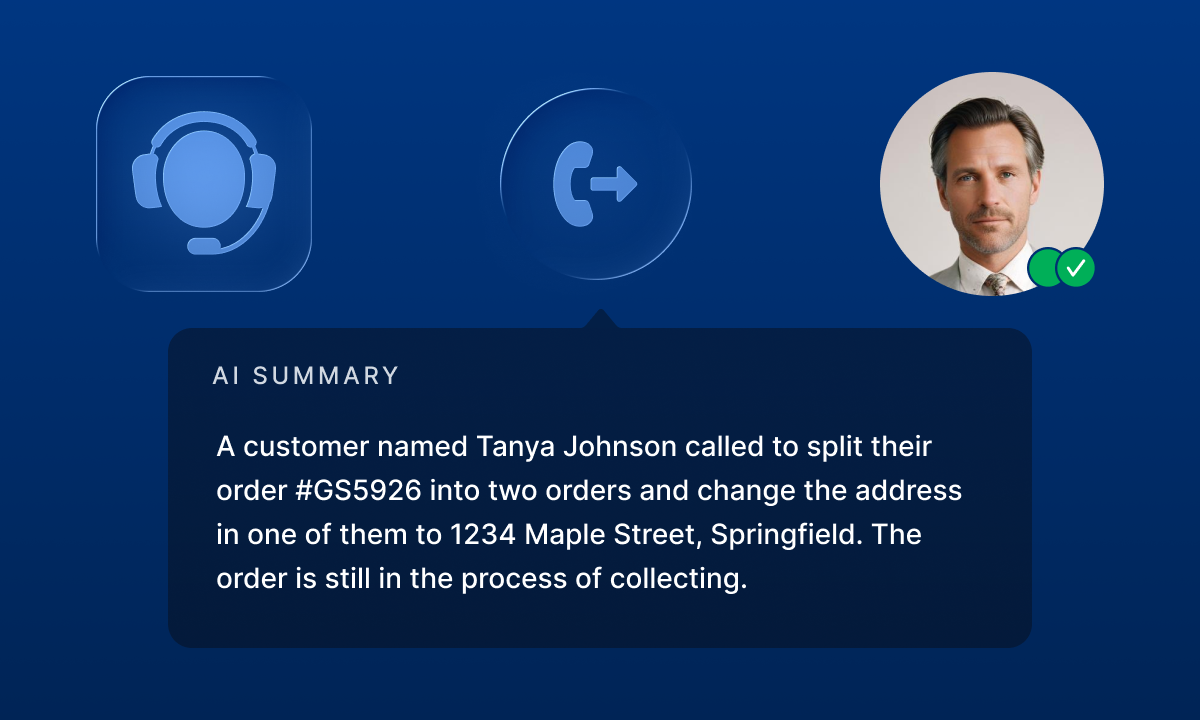
Last month, we introduced keyword-based call transfers for AI voice agents, making call routing more precise for incoming inquiries. To further enhance the experience for your customers, we’ve added a warm transfer feature for AI voice agents. Now, even if the first point of contact is an AI agent, you can be confident that your human agent will receive all the important context, such as the caller’s name, intent, and conversation history, before the call is transferred. This ensures a smooth and natural conversation flow for your customers, without requiring them to repeat themselves.
Never miss important conversations with instant Microsoft Teams notifications
Connect your Microsoft Teams account with DialLink through the native integration to receive real-time notifications for missed calls, text messages, and voicemails directly in Teams channels or individual direct messages.
Centralize your customer data by integrating DialLink with Salesforce
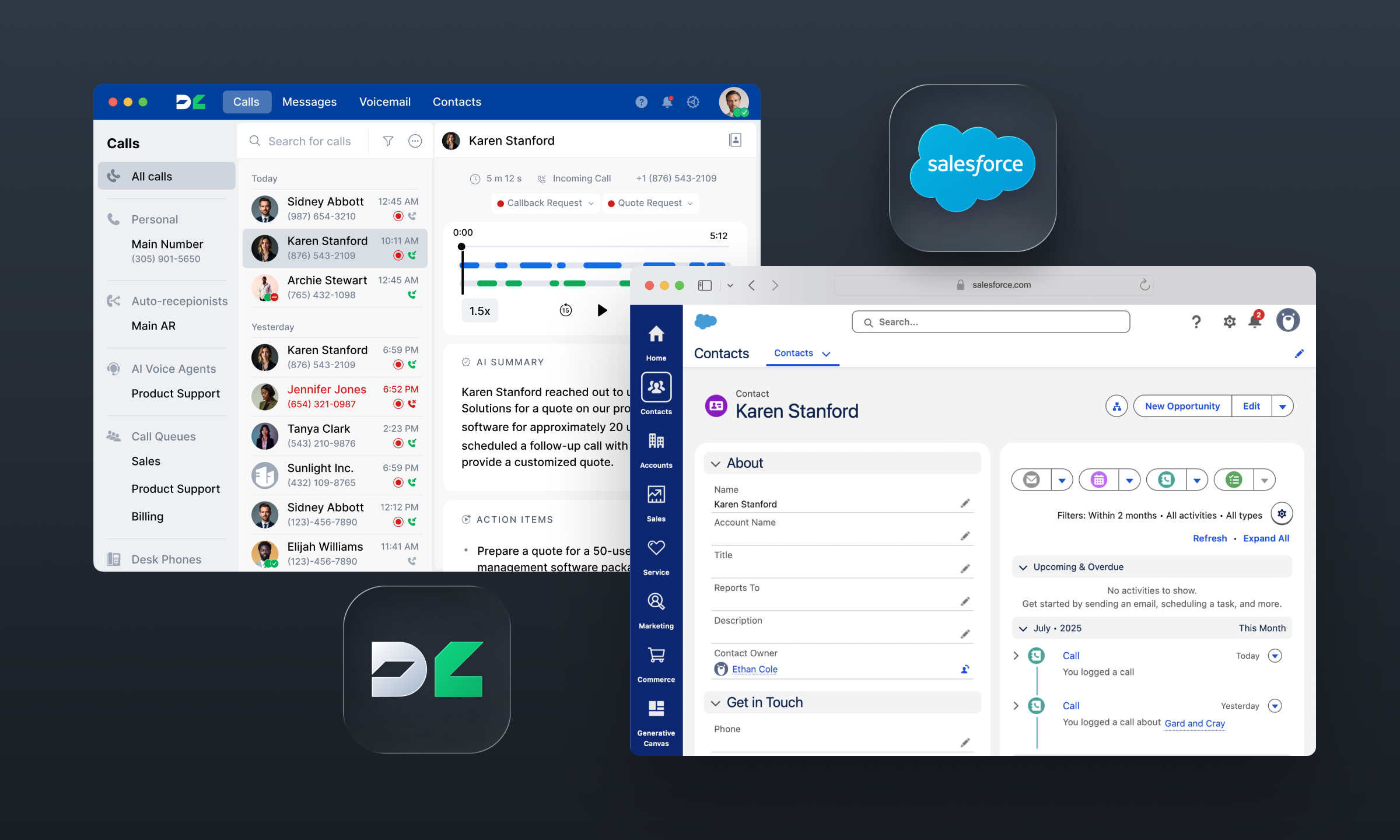
Enhance your sales and support workflows while ensuring accurate, up-to-date customer data by seamlessly integrating DialLink with Salesforce. DialLink’s native integration automatically syncs contact details, including names, phone numbers, email addresses, company names, and job titles, between both platforms.
All calls made in DialLink, whether by humans or AI, are automatically logged in Salesforce. This includes call details, AI-generated summaries, transcriptions, action items, and links to recordings. Voicemails, text and WhatsApp for Business messages are also automatically logged in Salesforce for comprehensive, unified customer records.
Stay responsive with message auto-reply
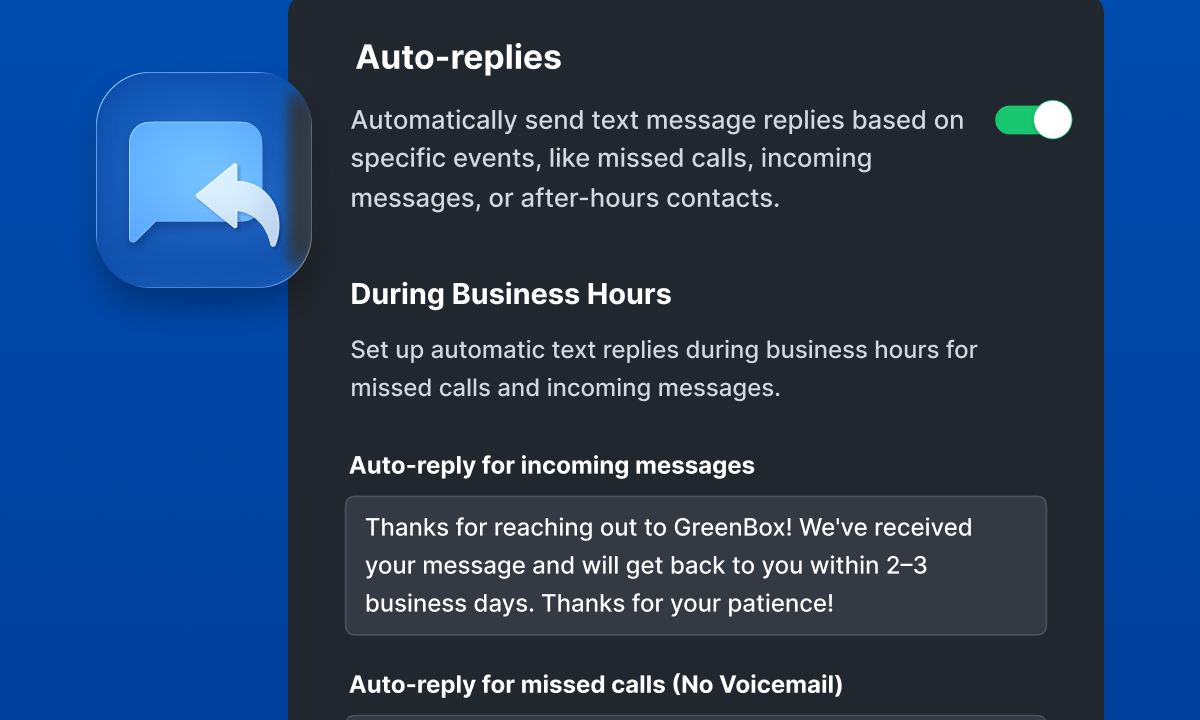
Provide immediate acknowledgment of inquiry receipt, set clear expectations for response times, and even offer helpful information or resources with automated message reply. Make sure your customers always hear back from you, even when no one is immediately available to reply.
Stay organized with an action-focused homepage in the DialLink desktop app
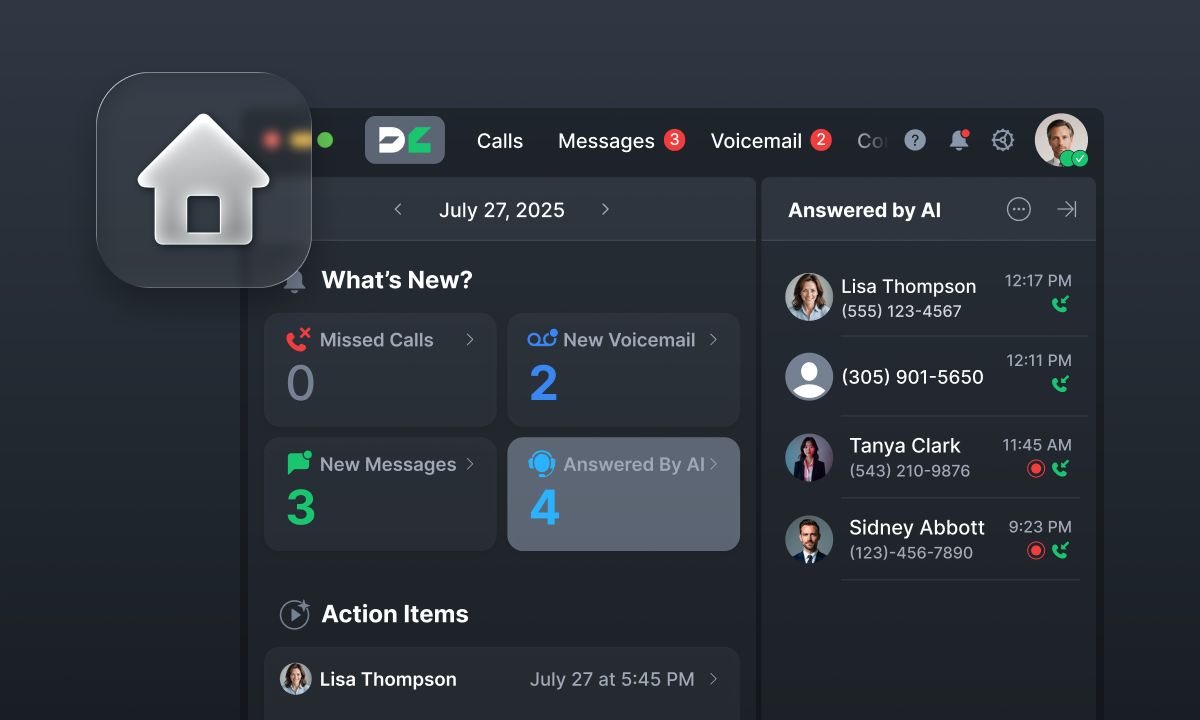
Keep your day on track with a homepage that highlights everything that needs your attention — from missed calls and voicemails to AI-handled calls and new messages. DialLink’s AI captures key tasks from your calls automatically, so you can skip manual note-taking and focus on what matters.
Stay tuned, more updates are on the way!
Share


Arina Khoziainova
Content Writer at DialLink
Arina is a content writer with over 7 years of experience in the IT industry. At DialLink, she creates clear, insightful content that helps small business and startup owners simplify communication and drive growth using modern tools. With a strong focus on practical value, Arina transforms complex topics into accessible, actionable stories.

Keep Reading

What's New in DialLink: AI Messaging Agents, Smarter AI Customization and More
See what's new in DialLink this month: AI messaging agents for SMS and WhatsApp, more control over AI agent settings, improved Salesforce integration and more.
September 22, 2026
5 minutes

What’s New in DialLink: AI Call Tagging, Call Transfers and Knowledge Bases for AI Voice Agents
Explore what’s new in DialLink: AI call tagging, call transfers and knowledge bases for AI voice agents and more.
July 03, 2025
2 minutes

What’s New in DialLink: Native Integrations for WhatsApp, HubSpot, Slack, and Business Contacts
Discover new integrations for WhatsApp, HubSpot, Slack, Google, and Microsoft 365.
April 29, 2026
3 minutes

What’s New in DialLink: Internal Messaging, One Unified Thread and More
Explore what’s new in DialLink: internal messaging, one unified thread, and more.
October 08, 2025
2 minutes

What’s New in DialLink: Built-in AI Voice Agents and Desk Phone Support
Discover how DialLink automates routine calls with built-in AI voice agents and works seamlessly with your desk phones.
May 27, 2025
2 minutes

What's New in DialLink: Quick Actions and Desk Phone Contact Sync
See what's new in DialLink: right-click quick actions and contacts synced from your CRM and contact tools to your desk phone.
July 15, 2026
2 minutes

What’s New in DialLink: Automated Number Porting and Mobile App Homepage
Explore what’s new in DialLink: seamless phone number porting and an action-focused mobile app homepage.
March 26, 2025
1 minute

How DialLink Leverages MCP to Streamline AI Integrations
Discover how DialLink leverages MCP to connect AI agents with AI models and business tools, enabling them to solve real business challenges.
October 07, 2025
14 minutes