Home
Integrations Marketplace
Google Contacts

Google Contacts
Native integration
Centralize business contacts and eliminate manual entry by syncing contacts from multiple Google accounts directly into DialLink’s business phone system.
Overview
Keep all your business contacts in one place and eliminate manual data entry by syncing contacts from multiple Google accounts directly into DialLink. With this native integration, contact details such as full names, profile photos, email addresses, and phone numbers are synced automatically. Caller ID also shows names and profile photos for added contacts on incoming calls or messages.
How it looks
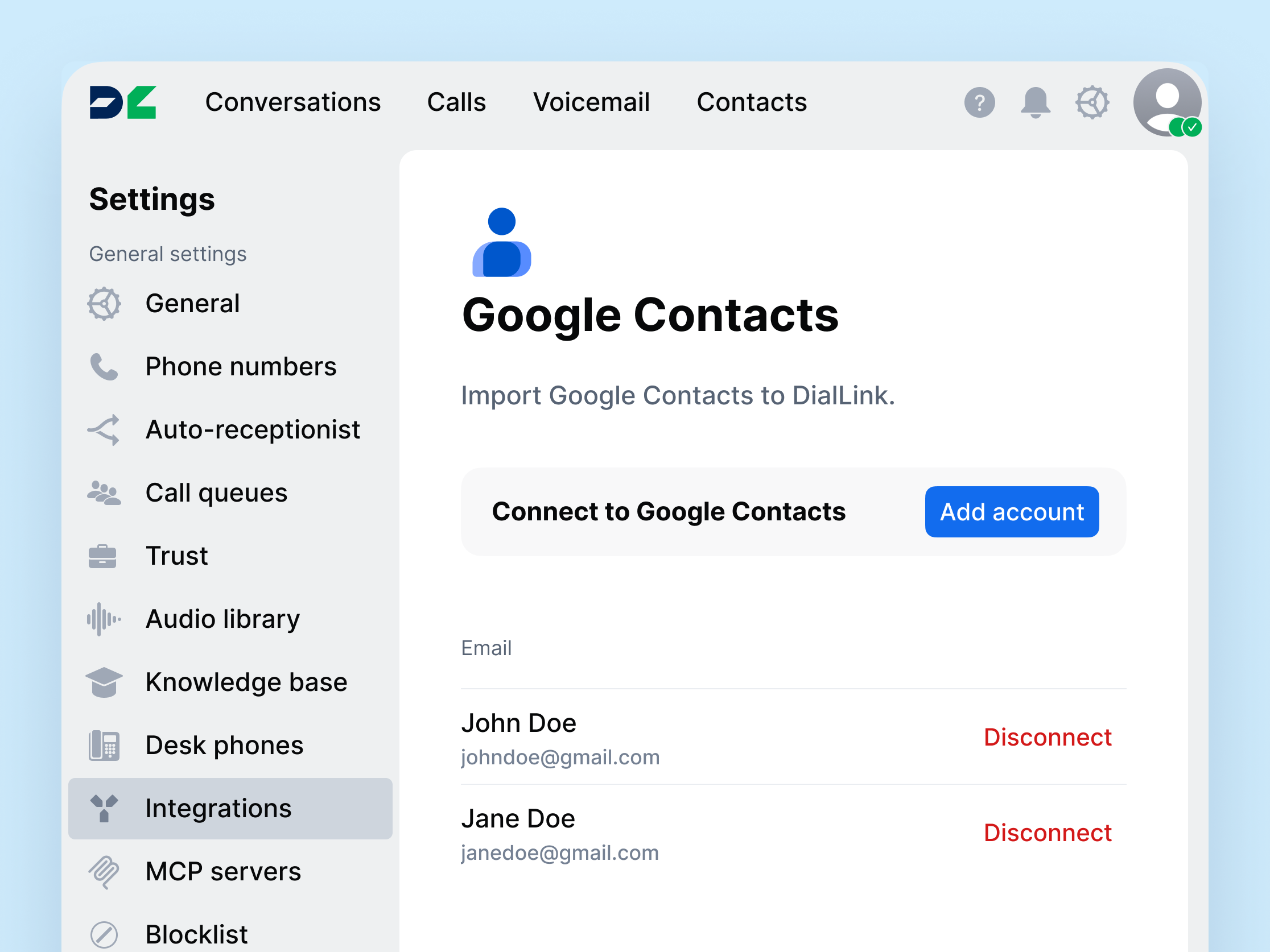 How the integration looks on the DialLink side
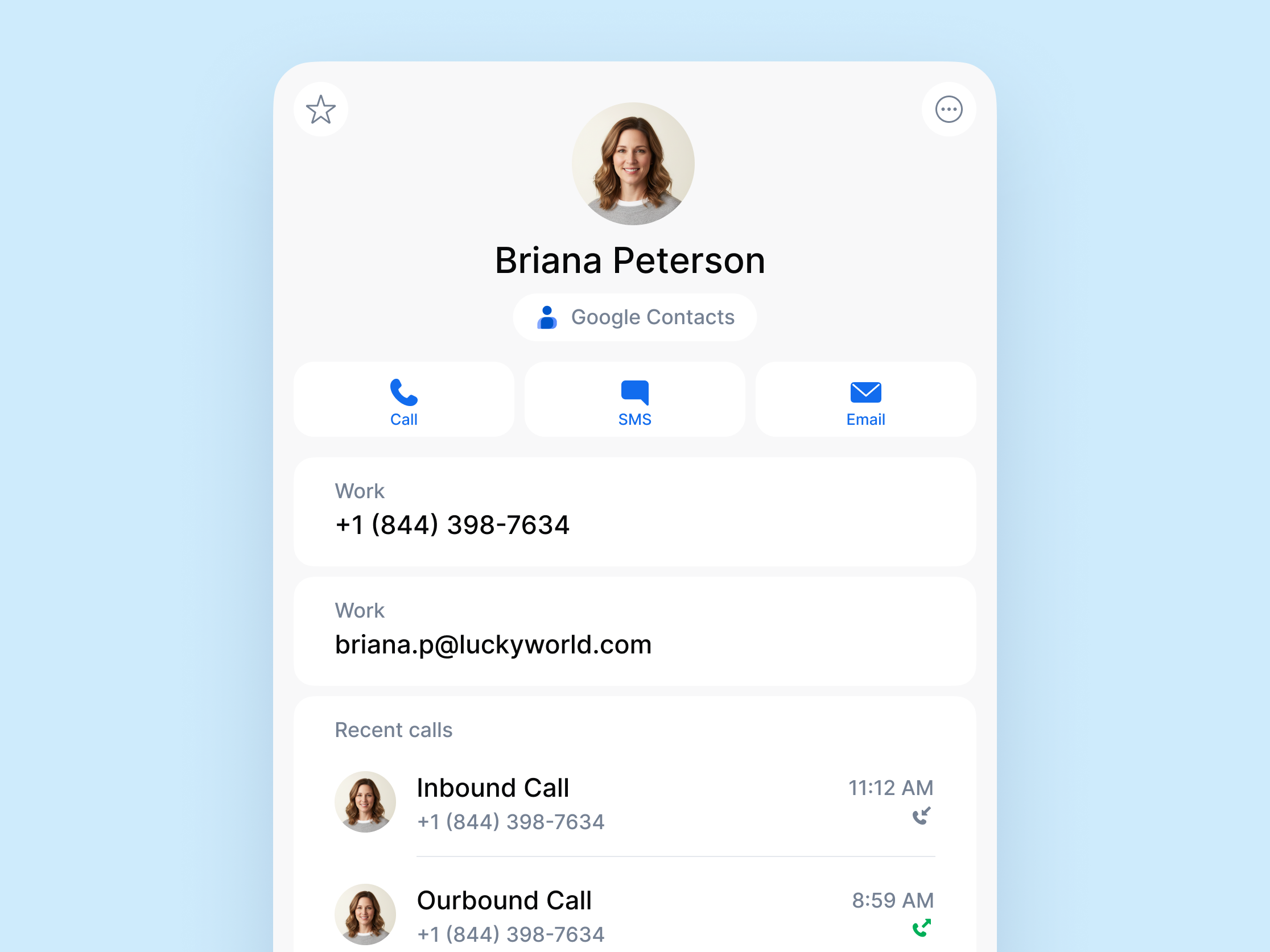 Google contacts integration in DialLink Integration Marketplace
Features
- Import your Google Contacts, including full names, email addresses, and phone numbers, directly into DialLink.
- Sync contacts from multiple Google accounts in DialLink.
- Keep contacts imported from Google continuously synchronized, so any changes made to them in either Google or DialLink are reflected in both.
- Enable automatic caller ID recognition for imported contacts.
What is Google Contacts?
Google Contacts is a contact management tool within Google Workspace that allows you to store and organize contacts with details such as full names, phone numbers, and email addresses across Google apps.


