Integrate AI Agents with Slack
Powered by MCP server
Let your AI agents check internal chats for the latest information, notify team members in channels or direct messages with all the details, and automatically share notes and summaries after every call.
Actions AI Agents Can Perform with This Integration
With the Slack integration, your AI agents can take the following actions:
Confirm details before responding to a customer
- Check relevant Slack conversations to confirm the latest information, then share only the verified outcome with the customer.
Notify the right team or team member instantly
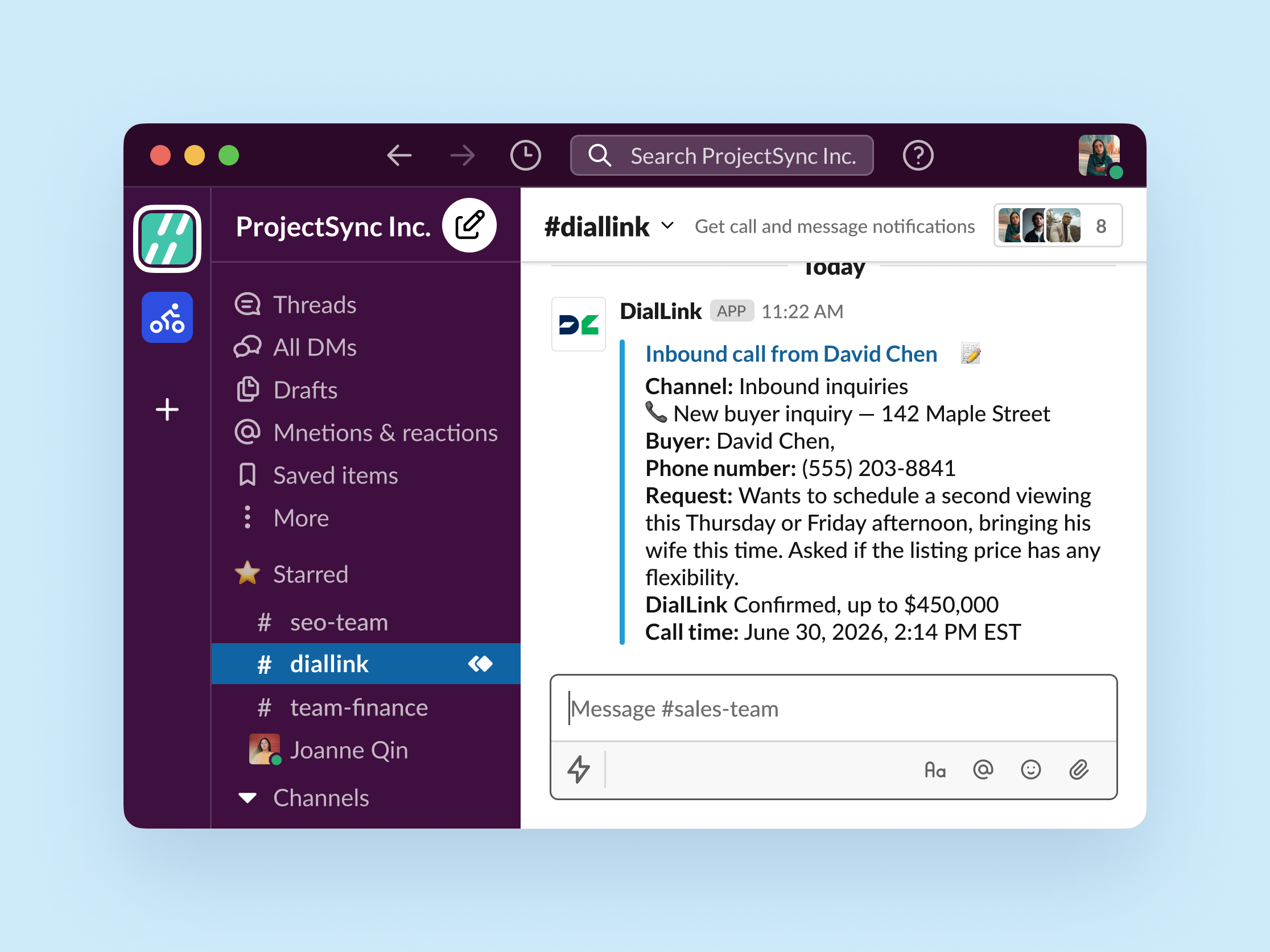
- Post a message in a channel or send a direct message in Slack the moment a call ends, so the right person or team is notified immediately without manual relay.
Share call notes and summaries
- Create or share Slack canvases with meeting notes in team channels or direct messages.
Check team availability before responding
- Check member status and profile information to let callers know who is currently available.
How to Get Started?
Requirements
An active Slack account.
Admin access in your DialLink account.
Steps to connect to Slack
Log in to your DialLink account.
Go to the system settings.
Open the Tools Settings.
Click + to add a new tool.
Select the Slack integration.
Authenticate the integration with your Slack account.
What You Get from Slack Integration

Notify the right person instantly
Alert the right team member the moment a call ends, providing all the relevant details so they can act right away.

Never miss what was discussed
Capture call notes and route them to the right place, so your team always knows exactly what was discussed.

Accurate answers, even from informal updates
Pull the latest information straight from Slack conversations, even when it only exists in an informal chat, so customers always get the correct answer.