Integrate DialLink AiVA with Asana
Powered by MCP server
Give your AI voice agents access to your Asana account so they can automatically log customer requests as tasks, update existing tasks, and provide real-time status updates, even for complex requests.
Actions AI Voice Agents Can Perform with This Integration
With the Asana integration, your AI voice agents can take the following actions:
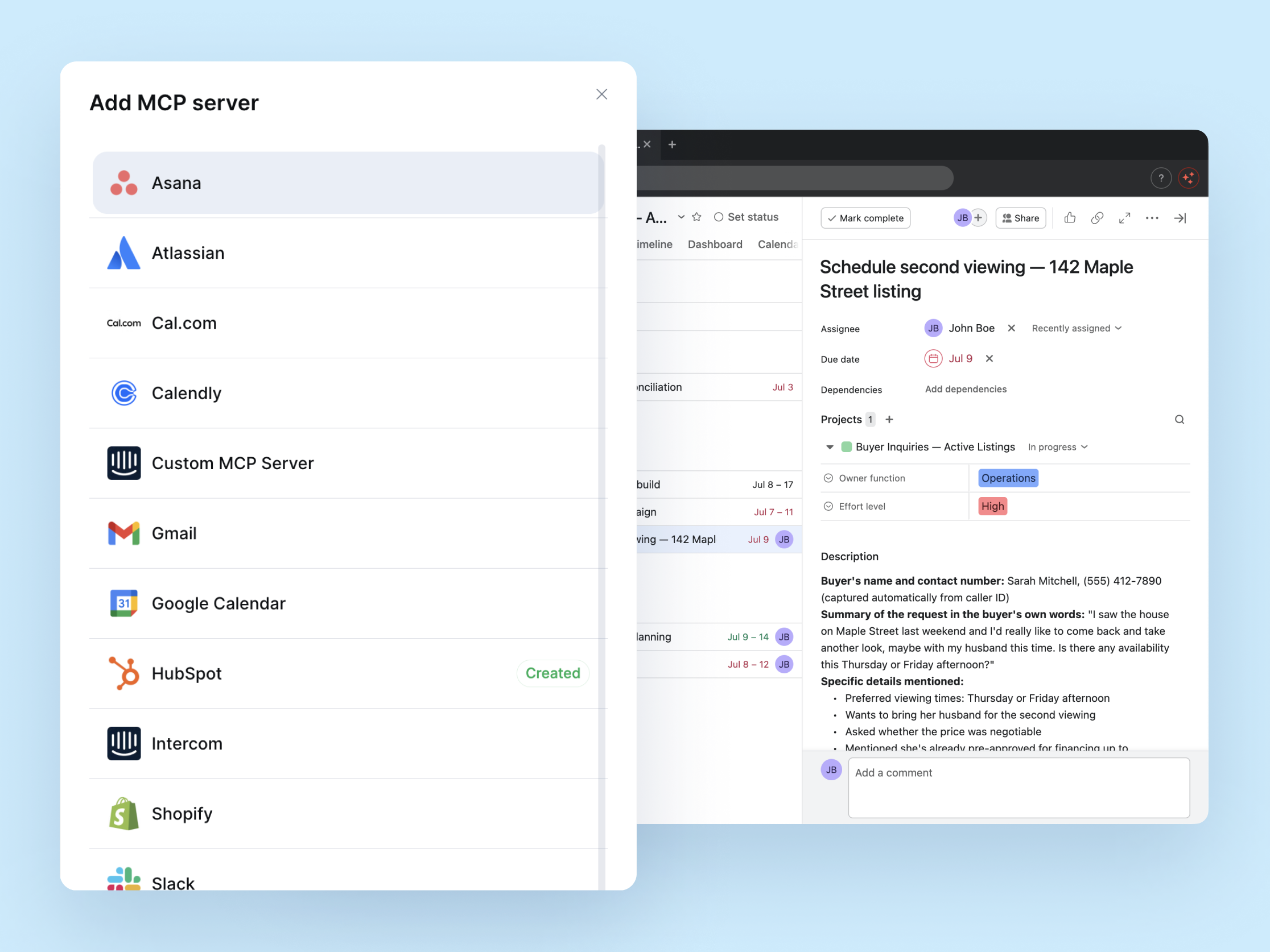
Create tasks and projects from customer calls
- Log a customer request as a new task, assigned to the correct project, or update an existing one in Asana.
- Add details to a task as they come up during the call, such as priority level, request details, and any other relevant context.
Check status update on current tasks and projects
- Check the current status of a task or project and relay it to the customer in real time, such as whether a repair is complete or a project phase is finished.
- Pull details on a specific task, including due date and progress notes, to answer customer questions without putting them on hold.
Analyze project data to answer complex questions
- Review timelines, delays, or bottlenecks across a project and give the customer a grounded estimate instead of a generic "we'll get back to you."
- Summarize where a multi-step process stands, such as which stage of a transaction or project is currently in progress and what's next.
How to Get Started?
Requirements
An active Asana plan (Personal, Starter, Advanced, Enterprise, or Enterprise+).
For Asana team accounts, admin-level app approval is required.
Admin access in your DialLink account.
Steps to connect to Asana
Log in to your DialLink account.
Go to the system settings.
Open the MCP Server Settings.
Click + to add a new server.
Select the Asana integration.
Authenticate the integration with your Asana account.
Assign the Asana MCP server to your AI voice agent.
What You Get from Asana Integration

Less manual work for your team
Reduce manual task creation by letting AI Voice Agents create tasks and update project details directly during the call.

Always up-to-date task tracking
Capture new customer requests and changes directly in Asana during the call, so nothing gets lost or logged late.

Instant and accurate updates
Pull live task and project status straight from Asana to answer customer questions on the spot, without putting them on hold or transferring the call.


