Integrate DialLink AiVA with Cal.com
Powered by MCP server
Let your AI agents connect to Cal.com to seamlessly manage appointment scheduling. They can check availability in real time, book new appointments, reschedule or cancel existing ones, and suggest alternative time slots.
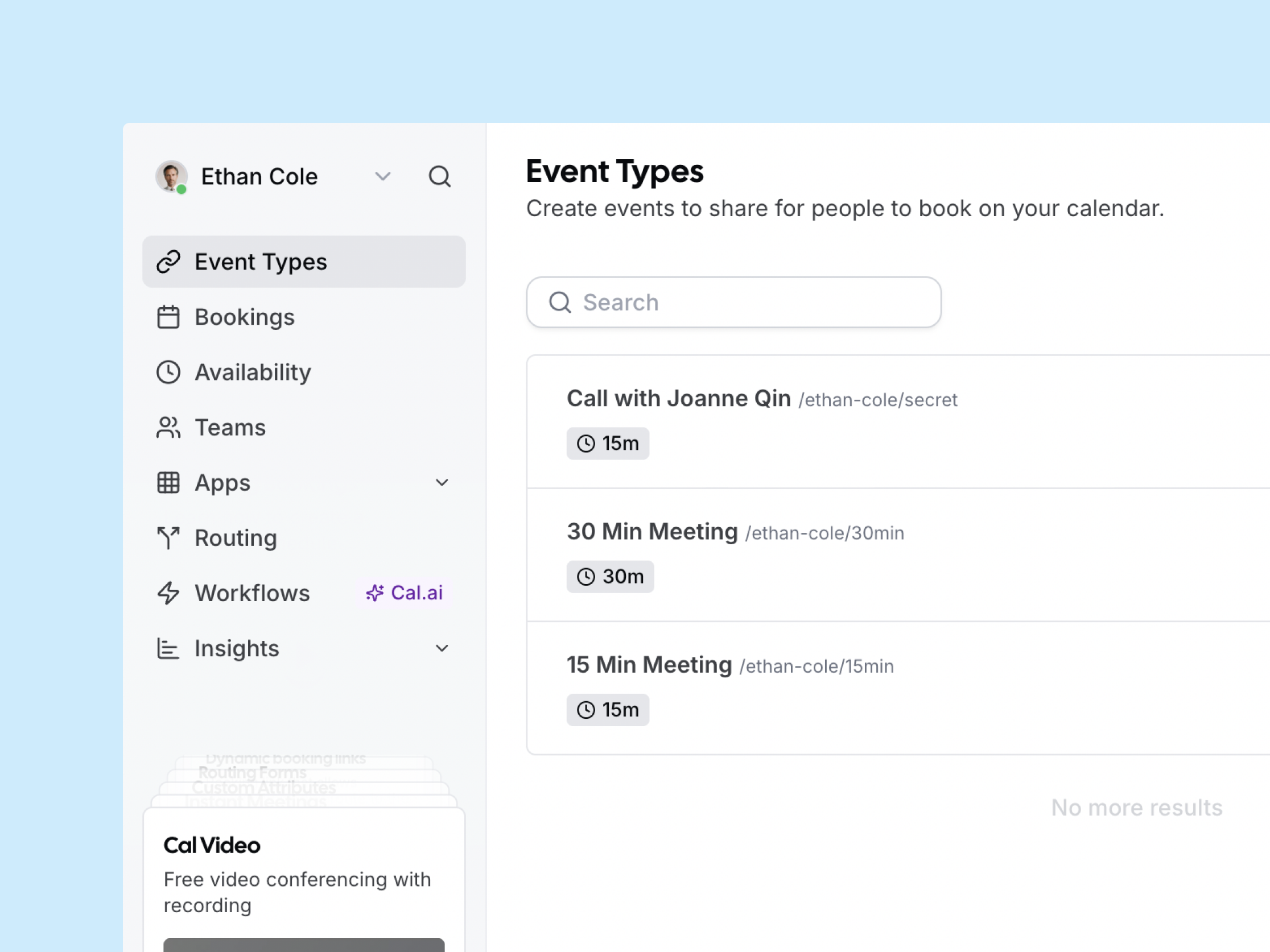
Actions DialLink AiVA Can Perform with This Integration
With the Cal.com integration, your AI agents can take the following actions:
Book new appointments
- Check real-time availability in your Cal.com calendar.
- Offer time slots that follow your business rules and client preferences.
- Capture required details (name, email, phone).
- Create the booking in Cal.com.
Reschedule appointments
- Locate the appointment.
- Propose alternatives based on preferences and policies.
- Update the booking in Cal.com.
Cancel appointments
- Find the appointment.
- Explain your cancellation policy (including any applicable fees).
- Record a cancellation reason.
- Complete the cancellation in Cal.com.
How to Get Started?
Steps to connect to Cal.com
Log in to your DialLink account.
Go to the system settings.
Open the Tools Settings.
Click + to add a new tool.
Select the Cal.com integration.
Enter API Key from Cal.com for authentication.
What You Get from Cal.com Integration

Always-on automated booking
Instantly book, reschedule, or cancel appointments, so you never miss a lead after hours or due to slow response times.

Cut manual admin work
AI agents enforce your policies, capture required details, and update Cal.com, freeing your team to focus on higher-value tasks.

Consistent customer experience
AI agents apply your rules, explain policies, and verbally confirm changes, ensuring every customer interaction is smooth and professional.