Integrate DialLink AiVA with HubSpot
Powered by MCP server
Connect your AI agents to HubSpot so they can use real-time CRM data for customer service and sales automation. With that context, your AI agent becomes a smart sales assistant that can not only retrieve information but also create and update records, manage associations, and add notes and tasks.
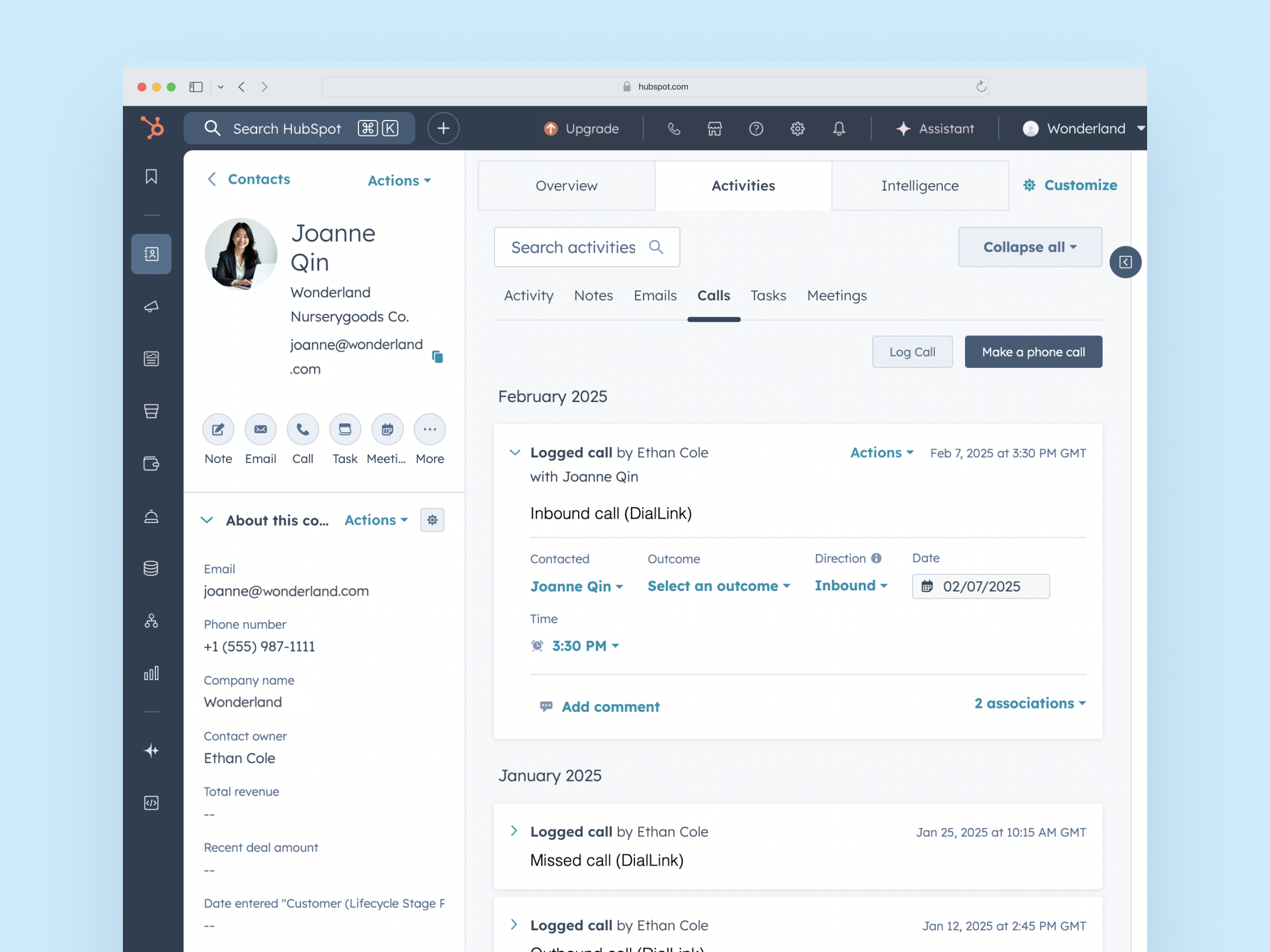
Actions DialLink AiVA Can Perform with This Integration
With the HubSpot integration, your AI agents can take the following actions:
Retrieve real-time data during a call
- Pull matching CRM records as soon as the call starts.
- Read the key context such as deal stage, last activity, renewal date, and custom properties to tailor a conversation.
Create and update lead, contact and company records
- Identify the caller and find matching records by name, phone, or email.
- Create new lead, contacts, or companies or update existing records.
Manage CRM associations
- List and review associations (e.g., a company’s contacts and their roles).
- Add or modify associations between contacts and companies (e.g. add a contact to a company record)
Save call outcomes and set up tasks
- Add notes after a call to the contact, lead, or company record.
- Add tasks to the contact, lead, or company record.
How to Get Started?
Steps to connect to Hubspot
Log in to your DialLink account.
Go to the system settings.
Open the Tools Settings.
Click + to add a new tool.
Select the HubSpot integration.
Enter the Access Token from HubSpot for authentication.
What You Get from HubSpot Integration

Personalized conversations
AI agents instantly pull relevant CRM records at the start of a call, using that context to respond accurately, personalize the conversation, and keep interactions timely and consistent.

Up-to-date CRM you can trust
Keep every record current after each interaction, with accurate outcomes logged, so your sales and customer success teams can rely on the data to drive decisions.

Reduce manual data entry
Let AI handle routine CRM updates, associations, and task creation, freeing your team from repetitive work and allowing them to focus on moving deals forward.